Check a Clean Emerald ROM for Patching
If a Pokémon patch refuses to apply, boots to a blank screen, or fails later in the game, start with the base ROM. The usual problem is not the emulator. It is that the patch was made against a different game revision, region, or already-modified file.
This guide is for people who have a Pokémon Emerald or FireRed file and need to know whether it is the right clean starting point. A checksum check is the reliable answer; filenames such as v1.0, USA, or Squirrels are only hints.
For an Emerald example, Pokémon Emerald Seaglass is useful because the creator distributes an IPS patch, not a complete game file. That is the normal setup: get the patch from its creator, supply the exact base it expects, and keep that base unchanged.
Start here
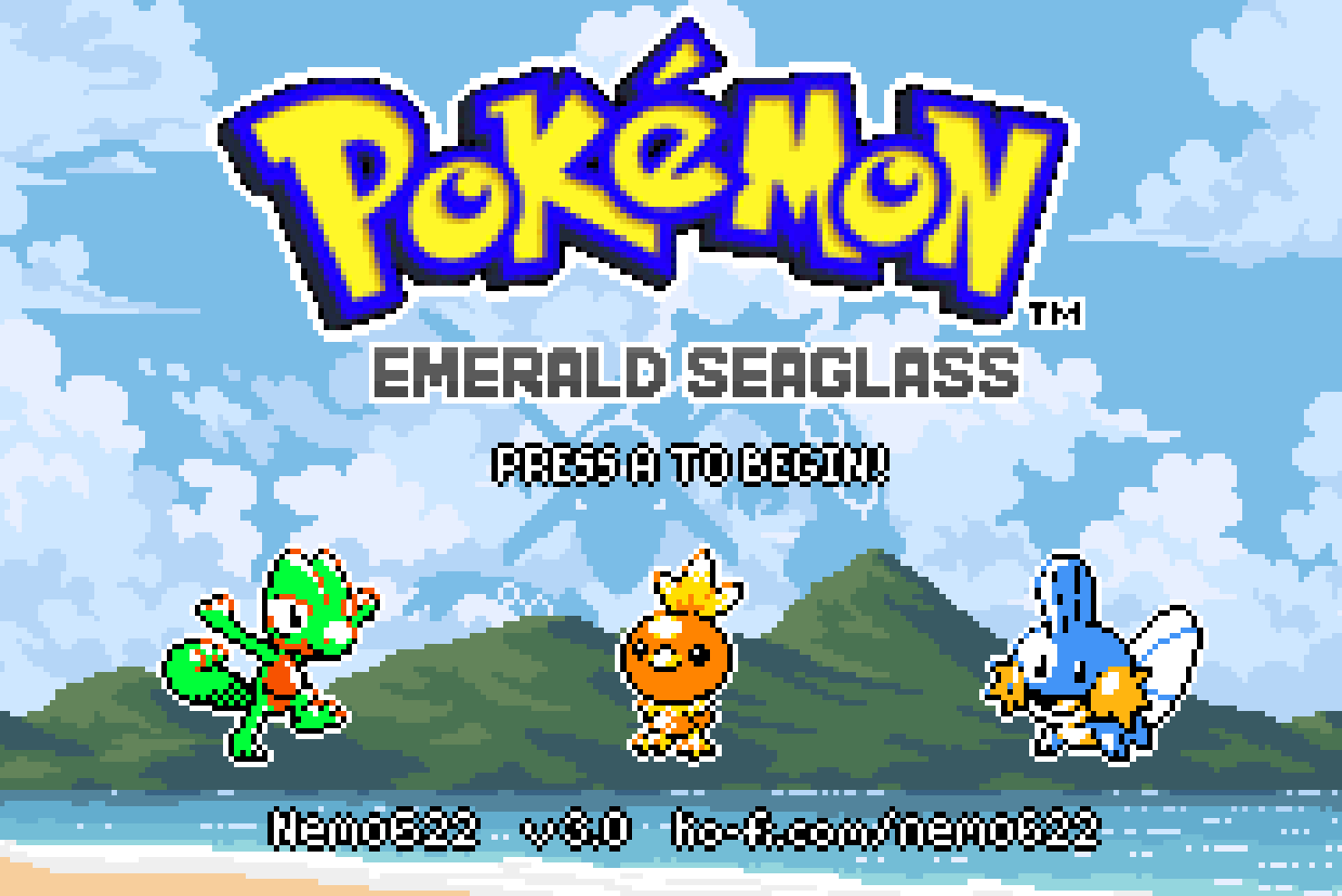
Pokemon Emerald Seaglass v3.0
A cozy Game Boy Color-style Hoenn remake with Gen 1-3 Pokémon, modern battles, followers, new events, and expanded Legendary encounters.
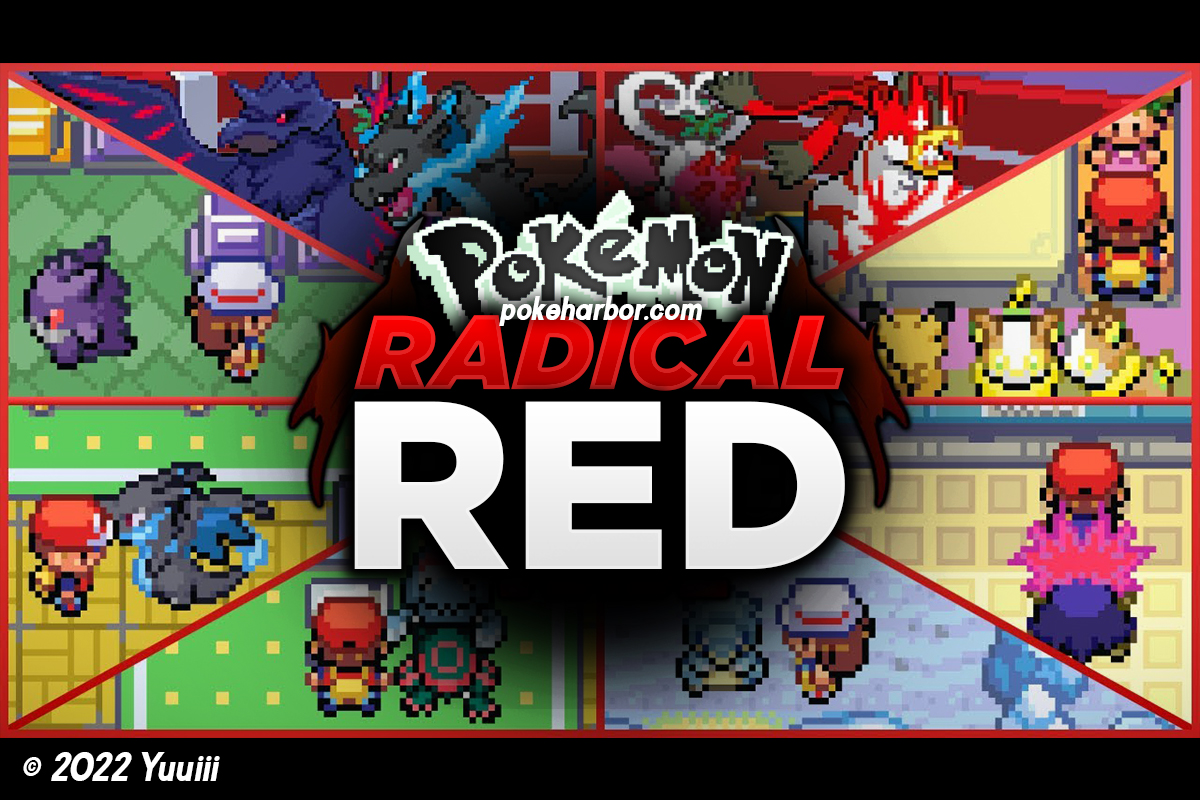
Pokemon Radical Red (v4.1)
Pokémon Radical Red turns FireRed into a fierce modern challenge with Generation IX Pokémon, raids, battle systems and smarter bosses.
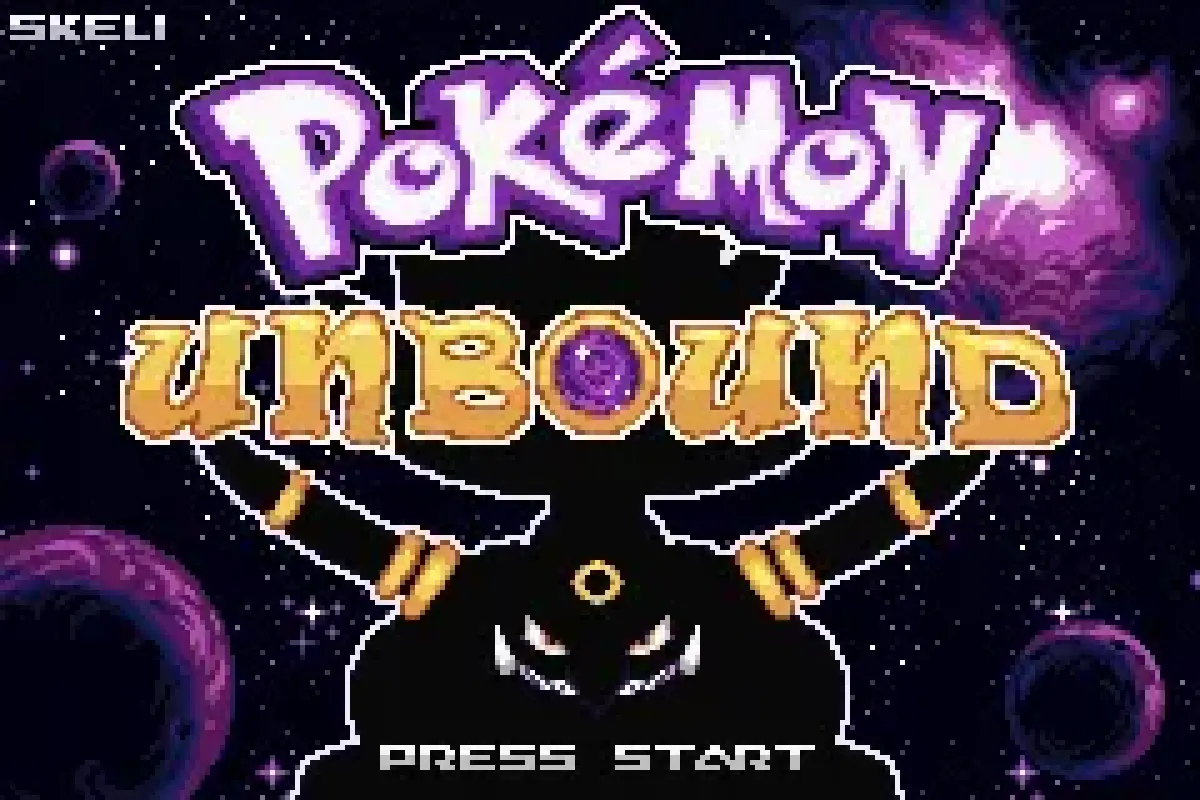
Pokemon Unbound (v2.1.1.1) GBA
Explore Borrius with a modern battle engine, deep mission system, custom difficulty, and a substantial postgame to conquer.
How this guide was checked
- This is based on the patch-only releases and installation instructions linked by creators, plus checksum records rather than filename conventions.
- The examples come from Pokepatched’s catalog of more than 1,300 hacks and use projects with a clear GBA base game.
- A checksum appears here only where it is corroborated by two independent records: No-Intro data and a separate database, hardware dump, or creator instruction.
- When a release names only the base game and not a revision, the guide says so. A commonly used Emerald or FireRed file is not proof that it is compatible.
Step 1: find the base game in the creator’s release
Read the release page and the archive’s README before opening a patcher. The base-game name, region, revision and patch format are part of the instructions, not optional detail.
The Emerald Seaglass creator’s 3.0 release contains an IPS patch, documentation and patch notes. The base is Pokémon Emerald, but the release page does not publish a separate regional or revision code. In that situation, do not substitute Ruby, Sapphire, a translated Emerald file, or an Emerald ROM you used for another hack. Start with an unmodified Emerald file and let the patcher result guide the next check.
The contrast is Pokémon Radical Red. Its official release instructions specifically call for original FireRed 1.0. A clean FireRed 1.1 file, a European variation, or a FireRed file that already has another patch applied is a different binary even if it starts the same way in an emulator. Use the base named by the creator, not the one that happens to load.
Step 2: check the CRC32 before patching
A CRC32 is a short fingerprint calculated from every byte in a file. Two ROMs can share a title screen and filename yet have different CRC32 values because of a revision, region, header edit, translation, trim, or older patch.
For the standard No-Intro record named Pokémon - Emerald Version (USA, Europe), the CRC32 is 1F1C08FB. DAT-o-MATIC’s No-Intro record and an independently documented cartridge dump both identify that value. The same records give a 16 MiB file size and the SHA-1 F3AE088181BF583E55DAF962A92BB46F4F1D07B7, which is useful if a tool reports SHA-1 instead.
For Pokémon - FireRed Version (USA), No-Intro records list CRC32 DD88761C. A separate creator installation post identifies that same value as US FireRed 1.0. This is the FireRed checksum to compare when a release explicitly asks for that version, including Radical Red’s official instructions.
Do not treat either value as universal. A patch may deliberately target another verified revision. The creator’s stated base wins every time.
Step 3: compare the value in the ROM patcher
Open the ROM patcher and select the untouched .gba file as the ROM input. The patcher shows the file’s CRC32 under its name. Nothing is uploaded; the checksum is calculated in your browser. Compare all eight characters with the value the release requires. Case does not matter; 1f1c08fb and 1F1C08FB are the same value.
If the file is a clean US FireRed 1.0 or USA/Europe Emerald dump, the patcher also labels it as one. Don’t rely on a file extension, a download folder name or an emulator’s game title: none of those verify the contents.
Keep two files from this point onward:
- The untouched base ROM, clearly labelled as the base game.
- A new output file for the hack and version you are applying.
That separation makes the next problem easy to rule out. If you accidentally patch the same base twice, its CRC32 changes after the first patch, so the second attempt is no longer using the required input.
Step 4: patch once, then read the result
Download the patch from the creator’s official thread, repository, shop page, or site. Do not use a pre-patched ROM download. A patch archive may contain an IPS, UPS, BPS, or xdelta file plus a README; select the patch file itself, not the ZIP unless the patcher expressly supports archives.
In the ROM patcher, select the clean base ROM first, select the creator’s patch second, then save the output under a new name. An IPS patch such as Emerald Seaglass does not itself prove which base was selected, so preserving the clean input matters.
When a patcher reports that the source does not match, stop there. Do not force the patch through and do not try a second time on the output. Go back to the release page, check the game, region and revision it names, then compare the clean file’s CRC32 again.
FireRed 1.0 versus 1.1: the practical rule
FireRed is where revision mistakes are especially common because multiple English records circulate. A name such as FireRed v1.0 is useful only if the checksum matches the creator’s documented target.
For example, Radical Red’s creator says to use original FireRed 1.0. Its patch is not a generic upgrade for every FireRed release. The right approach is to confirm DD88761C for the US FireRed 1.0 file, then apply the current patch from the creator’s own release. If your file has another CRC32, it may be a valid retail dump, but it is not the file those instructions identify.
Pokémon Unbound is another FireRed-based catalog entry. Its official PokéCommunity thread is the appropriate place to check for its current patch and base-ROM guidance; do not carry Radical Red’s exact requirement across to a different project unless that project’s creator says the same thing.
If the patch applies but the game fails
An apparently successful patch is not always proof of a correct input. Work through these checks in order:
- Black screen or immediate crash: return to the clean base and verify its CRC32. A wrong revision can produce an output file that an emulator still tries to load.
- The patcher rejected the file: check the patch’s README for a region or revision requirement. Redownload the patch from the creator if the archive is incomplete.
- You patched an existing hack: discard that output as an input. Start again from the separately stored clean base ROM.
- A later crash in one location: compare the hack version with the creator’s latest release and known-issues notes before changing ROMs. That may be a project bug rather than a bad patch.
- An old save will not load: start a new save for a newly patched game. Saves belong to the specific game build; a save from vanilla Emerald or an older hack version is not a clean compatibility test.
FAQ
What is a clean Emerald ROM for patching?
It is an unmodified copy of the exact Pokémon Emerald release the patch creator expects. For the No-Intro USA/Europe Emerald record, the confirmed CRC32 is 1F1C08FB; use that only when it matches the release instructions.
Is a clean Emerald ROM always the USA version?
No. Many projects use the USA/Europe Emerald record, but the creator’s documentation is the deciding source. If it does not specify a region or revision, do not claim that one has been confirmed.
Can I patch FireRed 1.1 if a hack asks for 1.0?
No. Use the revision the creator names. For Radical Red’s stated US FireRed 1.0 base, compare against DD88761C before applying the patch.
Why did my patcher accept the file but the game will not boot?
The ROM may be the wrong revision, already patched, or paired with the wrong patch version. Rebuild the output from the untouched base after comparing its CRC32 and rereading the creator’s release notes.
Can I reuse the same clean ROM for several hacks?
Yes, if each creator asks for that exact base. Keep one untouched copy and make a separate patched output for every project; never use one hack’s output as the next hack’s base.
Sources
- Pokémon Emerald Seaglass 3.0 — creator patch and documentation
- Pokémon Radical Red — official release thread
- Pokémon Unbound — official release thread
- DAT-o-MATIC — Pokémon Emerald Version record
- Pokémon Emerald cartridge dump — CRC32 and SHA-1
- No-Intro FireRed record mirrored by ROMhacking.net
- FireRed 1.0 creator instructions with CRC32
Related ROM hacks
Pokemon Emerald Seaglass v3.0
A cozy Game Boy Color-style Hoenn remake with Gen 1-3 Pokémon, modern battles, followers, new events, and expanded Legendary encounters.
Pokemon Radical Red (v4.1)
Pokémon Radical Red turns FireRed into a fierce modern challenge with Generation IX Pokémon, raids, battle systems and smarter bosses.
Pokemon Unbound (v2.1.1.1) GBA
Explore Borrius with a modern battle engine, deep mission system, custom difficulty, and a substantial postgame to conquer.