How to Play Pokémon ROM Hacks on iPhone and Android
You can play a Pokémon ROM hack on an iPhone or Android phone. The dependable order is simple: get the creator’s patch, apply it to the exact base game it asks for, then import the new game file into an emulator that supports that system.
For a first phone setup, Pokémon Heart & Soul is the clearest pick from this site’s catalog. Its official v2.0.6 release tells you the required base game—Pokémon Emerald (U)—uses a UPS patch, and names current Android and iOS emulator options. That removes several of the usual unknowns before you patch anything.
This guide covers the same process for GBA hacks such as Pokémon Unbound and Pokémon Gaia, plus the small differences when the game is an NDS file rather than a GBA file.
Start here
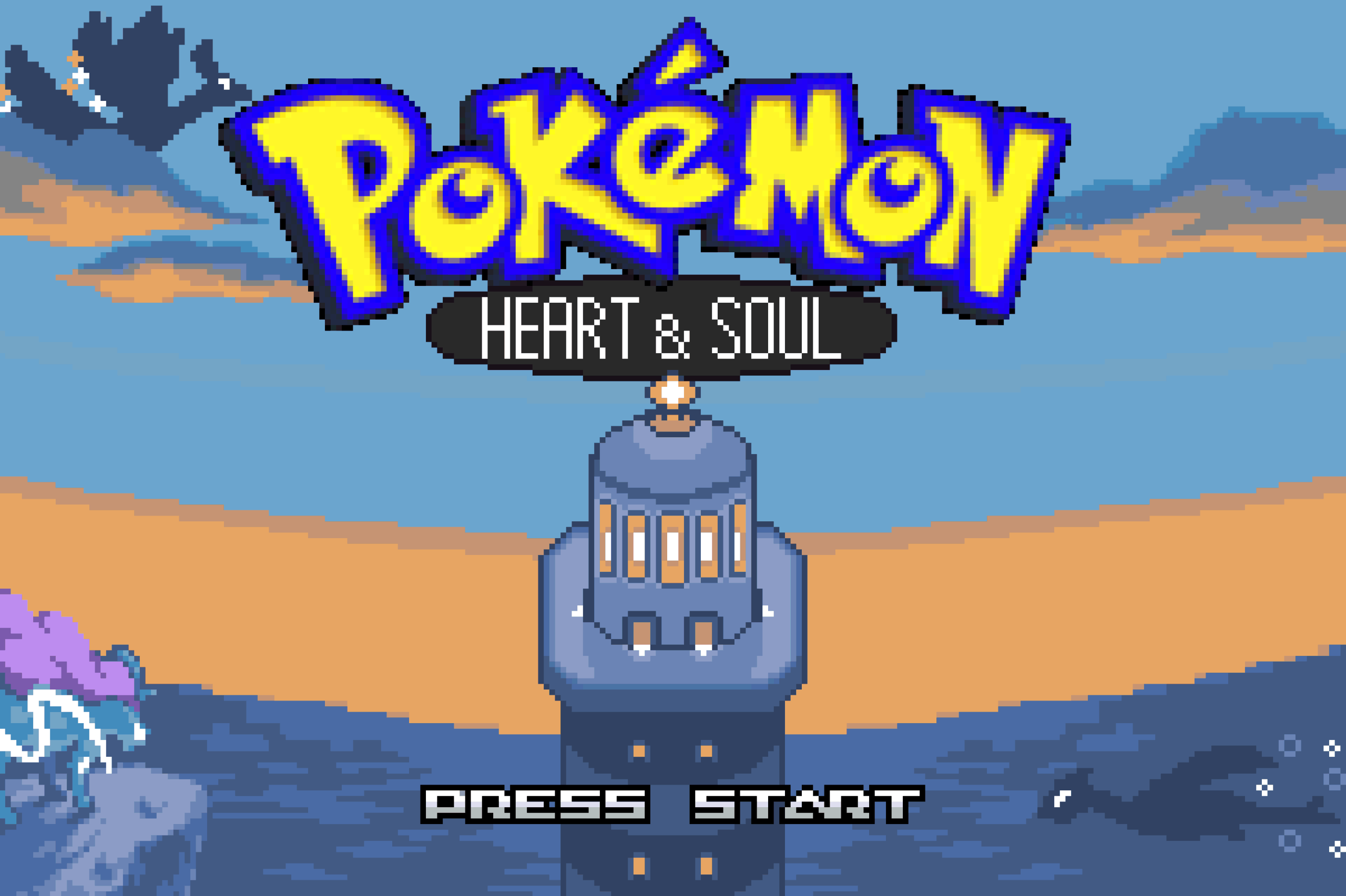
Pokemon Heart & Soul
A completed Emerald remake of the Johto and Kanto journey with following Pokémon, variable encounters, rematches, and optional modern battle tools.
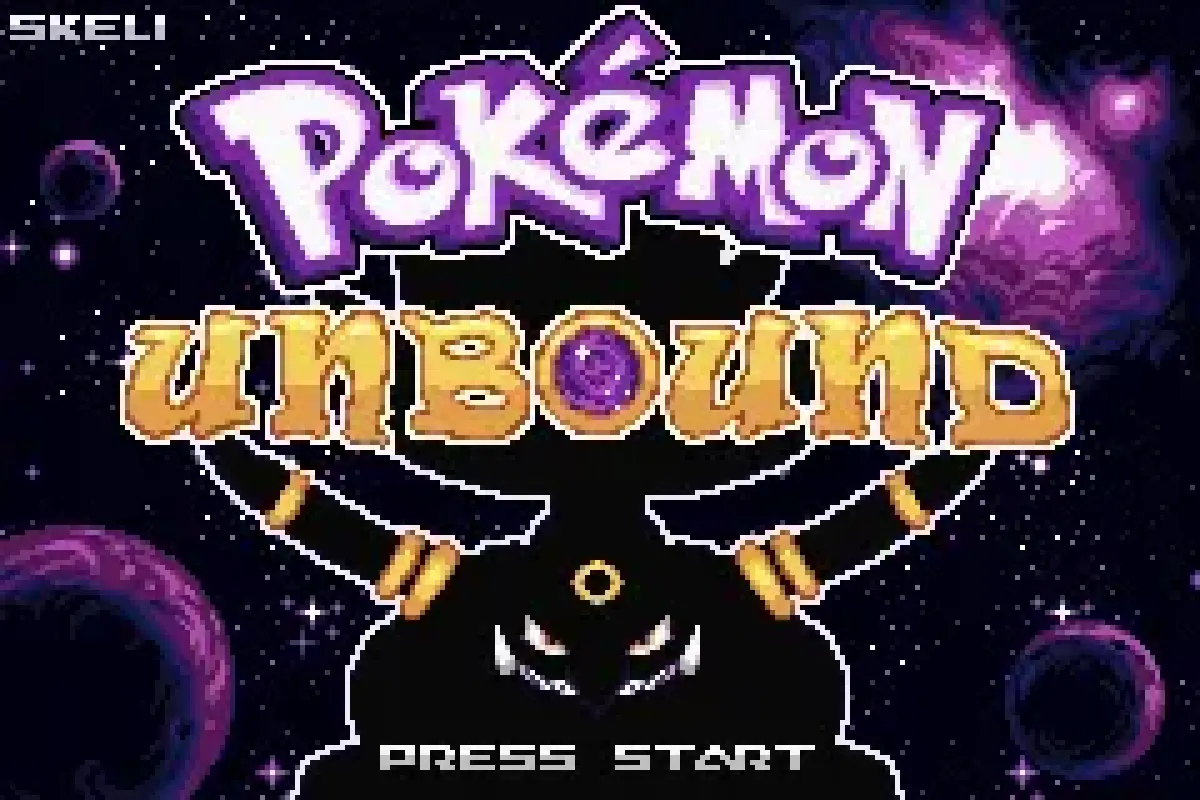
Pokemon Unbound (v2.1.1.1) GBA
Explore Borrius with a modern battle engine, deep mission system, custom difficulty, and a substantial postgame to conquer.
Pokemon Gaia (v3.2)
Pokémon Gaia modernizes FireRed with Pokémon across six regions, Mega Evolution, Fairy type, secret areas, underwater maps, and reusable TMs.
How we picked
- These examples come from Pokepatched’s catalog of 1,300+ hacks, and all three have a finished main story.
- Each has a creator-hosted release page that identifies a patch or release, rather than a repackaged game file.
- We favoured releases with a stated version and base game, because those details are what make phone patching repeatable.
- The GBA examples are useful on both iPhone and Android; the same file-handling rules apply to NDS hacks, but the emulator must support Nintendo DS files.
1. Start with the creator’s patch, not a ready-made game file
Download the patch from the creator’s official release page. A release normally arrives as a ZIP containing a patch such as .ups, .bps, .ips, or .xdelta. Keep it as the creator supplied it until you have read the release instructions.
Do not use a pre-patched game file. Apart from making it impossible to verify what version you have, it means you cannot check the base-game requirement against the creator’s instructions. The Heart & Soul v2.0.6 release is a good example: it supplies pokemonHnS_v2.0.6.ups and says to provide your own legally obtained Pokémon Emerald (U) copy.
On iPhone, use the Files app to keep a small folder for the patch, your clean base game, and the patched result. On Android, the Downloads folder or a dedicated folder in your file manager works just as well. Give the output a clear name such as Heart-and-Soul-v2.0.6.gba; it makes the correct game and save easier to find later.
2. Match the base game exactly
A patch changes one specific starting file. “FireRed” or “Emerald” in a hack description is necessary information, but read the creator’s release notes for the exact revision or region when they provide one.
For the three examples above:
- Heart & Soul v2.0.6 expects Pokémon Emerald (U), according to its GitHub release instructions.
- Pokémon Unbound’s completed release is v2.1.1.1 and its official PokéCommunity thread provides the release and documentation.
- Pokémon Gaia’s official thread provides the
pokemon_gaia_v3.2.ziprelease and its patching notes.
Do not patch a game that has already been modified. If an attempt fails, go back to the untouched base copy rather than applying the patch a second time. A filename is not proof that the file is correct, so a patcher warning is a reason to stop and re-check the release instructions—not a warning to click past.
3. Patch on your phone, or use a computer and transfer one file
You do not need a computer, but it can make file organisation easier. The result is the same either way: one new .gba file for a GBA hack, or one .nds file for a DS hack.
Patching on iPhone or Android
Open the ROM patcher in your phone browser. Select the clean base game as the ROM file, select the creator’s patch as the patch file, then apply it. When it completes, save the generated game file in Files on iPhone or a folder you can browse from your Android emulator.
If the patch is inside a ZIP, extract the ZIP first. The file you load into a patcher is the patch inside it, not the ZIP itself. Keep both the original base game and the patch after the output appears; they are the only reliable way to recreate the game if you need a clean start later.
Patching on a computer first
This route is useful if your patcher or browser has trouble handling a large file. Patch using the creator’s stated method, then move only the finished .gba or .nds file to your phone with a cable, cloud drive, or Files sharing. Do not assume the patch itself is playable: a .ups or .xdelta file is an instruction file, not a game file.
4. Import the patched file on iPhone with Delta
Delta’s current guide says to add a game from the + button in the top-right of its main screen. It accepts .gba for Game Boy Advance games and .nds for Nintendo DS games. Choose the patched output, not the patch or its ZIP.
That means a FireRed- or Emerald-based hack belongs in Delta as a .gba file. A White 2-based hack needs an .nds output and should be imported as a Nintendo DS game. If Delta cannot see the file in the picker, first check its extension and make sure the archive was extracted.
For normal progress, save from the game’s own menu. Delta’s own documentation recommends in-game saves as more reliable than save states. You can still use save states for a quick pause, but do not make them your only record of progress or expect them to transfer cleanly to another emulator.
5. Choose the right Android emulator for the file
The important distinction on Android is system support, not a particular app’s name. My Boy! is listed by its developer as a Game Boy Advance emulator, and Pizza Boy A is the GBA emulator in the Pizza Emulators range. Both are choices for a patched .gba file.
For a Nintendo DS hack, use an Android emulator made for DS games. DraStic is a DS emulator; it is not a GBA emulator. Do not try to load an .nds file into My Boy! or Pizza Boy A, and do not try to load a .gba file into a DS-only library just because it is a Pokémon game.
There is one useful hack-specific warning. The Heart & Soul v2.0.6 release explicitly says MyBoy is outdated and will not work for that hack; its Android recommendations are Pizza Boy, Lemuroid, or RetroArch with the mGBA core, and on iPhone it lists Delta, RetroArch and Ignited. When a creator gives compatibility advice like that, use it over a general emulator recommendation.
6. Keep saves tied to the patched game
An in-game save and an emulator save state are different things. The first is the game’s normal save data; the second is a snapshot made by the emulator. Use the normal save at a safe point before changing apps, updating a hack, or moving phones.
Do not reuse a vanilla Emerald or FireRed save with a hack based on that game. The maps, events, Pokémon data, and scripts may differ. Start a new file unless the creator specifically says an older save is compatible.
If you are updating a hack, read the release notes first. Heart & Soul is a good example of why: its v2.0.6 release says saves from before version 2.0 are not compatible, so players on a 1.x save have to start again. When an update is save-compatible, the usual process is to back up or export the old .sav, name it to match the new game file, and import it into the emulator’s save location.
When a hack will not load
Work through these checks in order:
- Check the output file. GBA emulators need the patched
.gba; DS emulators need the patched.nds. A.ups,.ips,.bps,.xdelta, or.zipis not the game you import. - Return to the clean base file. A wrong regional version, revision, or already-patched base is the most likely cause of a failed patch.
- Read the creator’s release notes again. They may require a specific base game or name an emulator incompatibility.
- Try the game’s normal save before a save state. If an emulator opens the game but later behaves oddly, load from an in-game save first.
- Download the patch again from the creator’s release page. If the archive did not extract properly, a fresh copy is safer than guessing.
If the game starts but fails at one exact event, search the creator’s release thread or issue tracker for that version before changing emulators. A patching problem usually prevents a game from starting at all; a repeatable late-game failure may be a known game bug or a version issue.
FAQ
Can you play Pokémon ROM hacks on an iPhone without a computer?
Yes. Put the clean base game and creator’s patch in Files, apply the patch in a phone browser with the ROM patcher, then import the resulting .gba or .nds file into Delta. A computer is optional, not required.
Can Delta play Pokémon ROM hacks?
Yes, when the patched output is a supported game file. Delta’s documentation lists .gba for Game Boy Advance and .nds for Nintendo DS; it will not play the patch file itself.
Why does my ROM hack say it is unsupported in the emulator?
Check that you selected the patched game, not the ZIP or .ups/.bps/.ips/.xdelta patch. Then confirm that the emulator matches the game system and that you used the base ROM specified by the creator.
Should I use save states or the in-game save?
Use the in-game save for your real progress. Delta recommends it as more reliable than save states; save states are best treated as a convenience, not a portable backup format.
Can I move a save from one version of a hack to another?
Only when the creator says that update is compatible. Back up the normal save first and follow that release’s instructions; Heart & Soul, for example, dropped compatibility with pre-2.0 saves.
Sources
Related ROM hacks
Pokemon Heart & Soul
A completed Emerald remake of the Johto and Kanto journey with following Pokémon, variable encounters, rematches, and optional modern battle tools.
Pokemon Unbound (v2.1.1.1) GBA
Explore Borrius with a modern battle engine, deep mission system, custom difficulty, and a substantial postgame to conquer.
Pokemon Gaia (v3.2)
Pokémon Gaia modernizes FireRed with Pokémon across six regions, Mega Evolution, Fairy type, secret areas, underwater maps, and reusable TMs.